
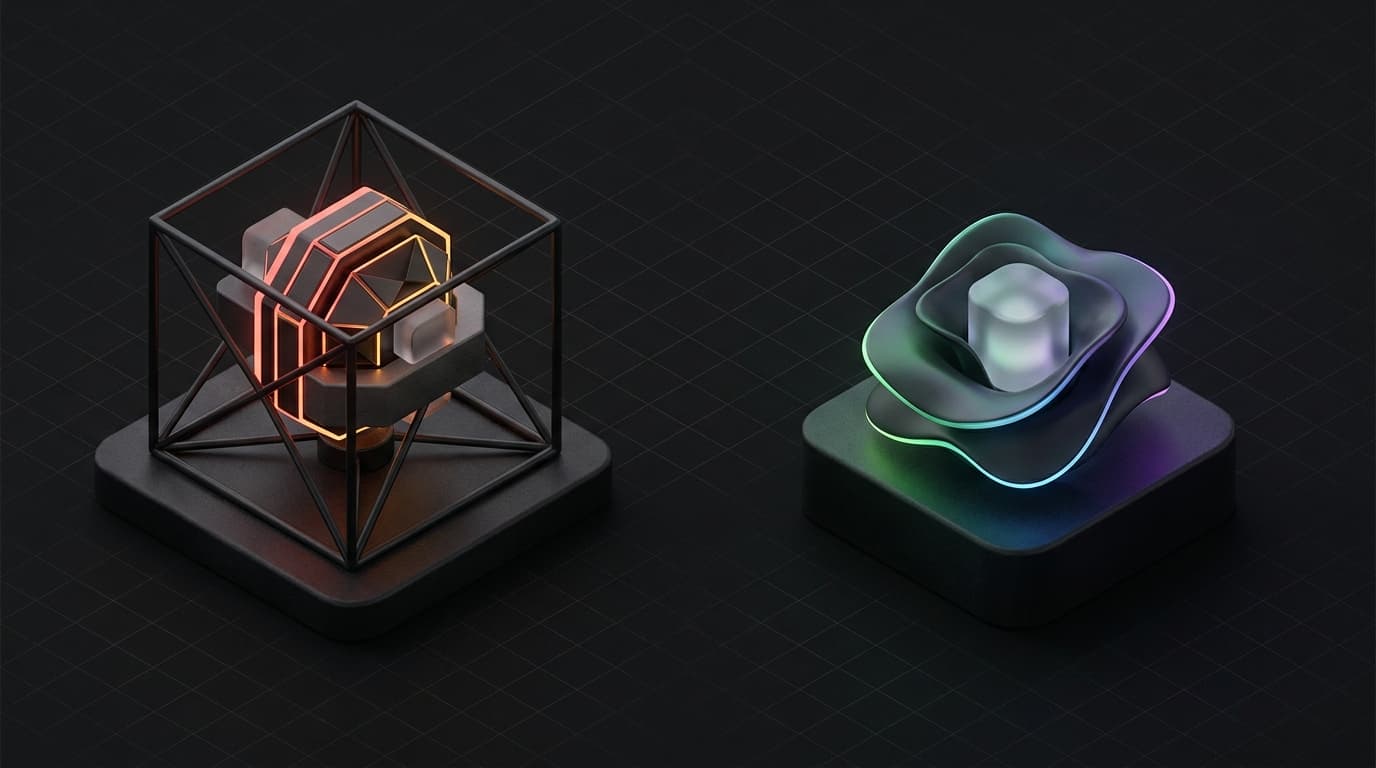
Choose CGI for customer-facing images that have to be exactly right. Think product pages, variants and campaigns. Choose AI for what stays internal or may expire quickly: concepts, tests and background swaps of a product that is already fixed. That is the short answer, and 2026 added a reason: AI imagery now comes with labelling rules, on Amazon and in the EU.
This is not the comparison between digital imagery and real photography. That topic ties directly into how product photography affects your conversion.
This is about two digital methods that both produce product images without a camera. CGI, computer-generated imagery, has existed in industry for decades. AI-generated product visualization is new, cheap and everywhere.
Two digital methods, one choice
CGI and AI product visualization both produce images of products that were not photographed. The difference is control: with CGI you decide every detail, with AI the model decides whatever it cannot take from your references.
CGI is a manual craft process. A 3D artist models your product, sets material values, sets up light sources and renders an image that, based on physical simulation, shows how the product looks in reality. The process takes days. The result is fully controllable.
AI product visualization works differently. You give a text prompt and one or more reference images, and a model turns that into something that looks like a product photo. That has improved considerably in a year. Google's current image models accept up to 14 reference images to place objects recognisably in a new image. It takes seconds, and you have more control than before, but not over every detail.
The mistake is deploying AI where CGI is needed, or continuing to order CGI for work AI handles perfectly well and far more cheaply.
The choice between CGI and AI comes down to three questions:
- Is this image customer-facing or internal?
- Does this image still have to hold up two years from now?
- Does this image have legal and platform requirements it must meet?
| CGI | AI product visualization | |
|---|---|---|
| Control over details | Full, every material and every dimension | Good with reference images, but the model fills in what it cannot see |
| Turnaround | Days for the model, then hours per variant | Seconds per image, plus attempts |
| Cost | Quote per product, then cheap per variant | Subscription or credits, a fraction per image |
| Rights | Yours if the transfer is recorded in writing | Licence from the tool; purely generated images are not protected in the U.S. |
| Labelling | Not needed | Watermark in the file; on Amazon a label for AI people; in the EU disclose if deceptively real |
| Amazon main image | Grey area, Amazon asks for a photograph | Risk, Amazon asks for a photograph of the actual product |
| Reuse | Same model for variants, video and AR | Every new image is a new generation |
What CGI delivers: control, rights, reusability
CGI delivers an asset you keep using for years: one 3D model for every colour, angle, campaign and application. That makes it more expensive than AI per image, but often cheaper per year.
What a model costs exactly depends on the studio and the complexity. Public price lists are rare; in practice you get a quote that depends on the desired material detail and the number of variants.
A CGI file is not a single image. Once your product is modelled, you use that same 3D model for:
- Colour variants, without reshooting or remodelling
- Seasonal campaigns with new backgrounds and lighting
- Animations and product videos
- Augmented reality applications
- Product configurators on your website
A photoshoot gives you one set of images. A CGI production gives you a model you keep using.
Then the rights. An earlier version said here that CGI images are automatically fully owned by your brand. That is not correct. Under the Dutch Copyright Act (Auteurswet), copyright in principle rests with the maker, and a transfer requires a written deed. CGI does have one big advantage over photography: no model rights, no location rights. Record the transfer of rights to the model and the renders in your commission, and they are truly yours.
And then consistency. CGI images look the same on every platform and in every format. The lighting is right, the colour is right, the proportions are right. With AI images that is a new question with every generation.
For brands that invest in product photography as a brand-building tool, rather than an operational cost, CGI is the logical choice for everything that is customer-facing and has to be exactly right.
What AI product visualization delivers: speed, cost, iteration
AI product visualization delivers speed and variation at a fraction of the cost. That makes it useful, but for specific work.
Most tools run on a subscription or on credits. You generate images in seconds that look convincing at first glance. What you buy is a licence, not a file, with terms on ownership and exclusivity that differ per tool. We put those terms side by side in AI product photos: a licence, not an image.
The strongest case for AI is the early iteration process. Say you are developing a new product and want to test twenty colour variants before you start on 3D modeling. AI produces those variants at lightning speed for internal review. You pick the three best and have those worked out in CGI.
AI is also useful for mood boards and presentation material that does not go to customers. And for background swaps of a product that has already been photographed or modelled: there the model works from a real image as its base, and that is exactly where the current generation is strong.
But AI has serious limitations.
The model fills in. Even with reference images, a model reconstructs your product and invents what it cannot see: a seam, a label, a screw thread, the exact curve of a handle. The result looks like a product photo. It is not always exactly your product.
Trust. Customers often cannot tell the difference: 71% of Dutch people find it hard to tell AI images from real photos (Norstat, November 2025). That is exactly why the risk sits with you: an image that makes the product look better than it is comes back as a return or a bad review. Openness costs less than you might think. In research by Validators, commercials with an AI disclosure scored only slightly lower than without (Adformatie, September 2026). "There is a small negative undercurrent. The differences are small and not convincingly significant," says Tycho Slors of Validators (translated from Dutch).
Legal uncertainty. The copyright status of AI images is not yet settled. The U.S. Copyright Office concluded that images created solely from a text prompt lack human authorship and are therefore not protected (U.S. Copyright Office). On 2 March 2026 the U.S. Supreme Court declined to hear Thaler v. Perlmutter, so the ruling stands that an AI cannot be an author (Mayer Brown). The EU Court of Justice has not ruled on it yet, but a Czech court already refused protection in 2023 for an image generated purely from a prompt (IRIS Merlin). A competitor who copies your purely generated image is therefore hard to pursue in the U.S.
Labelling rules. Since 2 August 2026 the transparency rules in Article 50 of the AI Act apply in the EU. Tools must mark their output in a machine-readable way; Google, for example, puts a SynthID watermark in every generated image. And anyone publishing an AI image that looks real and could mislead about existing persons, objects or places must disclose that clearly. Whether a generated product image falls under that depends on how real it looks and whether it could mislead; the European Commission's guidelines make that depend on factors such as the level of resemblance and the context in which the image is used. AI tools already on the market before 2 August 2026 only have to mark their output from 2 December 2026. On Amazon, since 22 July 2026 you must flag images with a photorealistic AI person in the metadata (CNBC, July 2026). CGI falls outside all of these rules.
When AI is the right choice
AI is the right choice for images that stay internal, expire quickly or only place an existing product in a different setting. The bottom line: AI is an intermediate step or a testing instrument, not a final destination for images that have to prove the product itself.
Concept phase. You are developing a product and want to see variants quickly: colour schemes, packaging shapes, material combinations. AI generates them in minutes. You select the direction and have it worked out further in CGI.
Internal presentations. You want to show a stakeholder or investor what a product line could look like. No customer-facing material, no platform requirements, no brand requirements. AI is fine here.
Background swaps of an existing image. The product has already been photographed or modelled and you want it in a setting that suits the season, or on a different surface. The product itself does not change, only the context. Here AI is fast and reliable enough, provided someone checks that the product has come through intact.
Fast social content with a low brand load. A temporary promotion or a campaign that vanishes within two weeks. If the image quality is acceptable and the brand does not stand or fall with it, AI can be enough.
A/B testing of backgrounds and compositions. Want to know whether your product converts better on white or in a lifestyle setting? AI gives you test material. The winning variant you then work out professionally.
When CGI is the right choice
CGI is the right choice for everything where quality, consistency and exactness matter: product pages, variants, campaigns and premium products.
Hero shots and campaign images. These are the images your brand is recognised by. Ads, landing pages, campaign images. There is no room here for a product that is not quite right.
Product pages on your webshop. The images on your product page are your most important sales tool. A visitor who hesitates buys based on what they see. CGI gives you controlled lighting, exact proportions and accurate colour. Baymard Institute even explicitly names a computer-generated model next to the product as a good way to show scale, something 37% of the sites studied do not do at all.
Amazon and other large marketplaces. On marketplaces, product images must represent the actual product accurately. For the main image Amazon literally asks for a professional photograph of the actual product, not an illustration or mockup. There, photography is the safe choice. For the additional images (variants, angles, scale, explanation) CGI is the safest digital route, because the product is exactly right and no labelling duty applies. The per-position details are in the Amazon product photo requirements for 2026.
Colour variants and product configurations. If your product comes in ten colours, you want ten consistent images. CGI delivers that from the same 3D model, with guaranteed colour consistency. AI delivers ten separate generations you each have to check.
Premium products with high order values. The higher the order value, the more critical the customer. Anyone spending a few hundred euros on electronics or a premium accessory compares images extensively and zooms in. CGI gives you the image quality that survives that comparison.
The hybrid approach
The sharpest brands do not choose one of the two. They use AI to get to CGI faster, and CGI for everything that goes public.
In practice it looks like this:
Phase 1, concept. New product line in development. AI quickly generates fifteen variants of colour, shape and context. Internal selection: three variants move forward.
Phase 2, production. The three selected variants are worked out in CGI. Fully modelled, rendered in multiple formats. Output: a 3D model with every asset you need.
Phase 3, publication. CGI images go to the webshop, the additional image positions on Amazon, ads and sales presentations. The main image on marketplaces becomes a photograph of the actual product. The AI images from phase 1 were used internally and never published, so there is nothing to label.
Phase 4, iteration. A new seasonal campaign calls for a different background. The existing 3D model is re-rendered, or an AI tool places the existing render in a new setting. No new photoshoot. Cost: a fraction of the original production.
This is how Oase uses both methods. CGI and photography for everything customer-facing. AI as a fast iteration tool in the creative process and for backgrounds of images that are already right. Never the other way around.
What this means for your brand
The choice between CGI and AI is not a question of budget alone. It is a question of what your image has to prove, and since 2026 also of what you have to disclose about it.
If your images contribute directly to conversion, on your webshop, on marketplaces or in ads, CGI is the investment. You earn back the higher upfront cost through reuse, consistency and images that do not look like everyone else's. How those costs compare to photography is covered in the cost of product photography in 2026.
If you want to test quickly, present internally or explore variants early in the design process, use AI as an intermediate step. Be clear about what it is: a sketch, not a final product. And if you do publish it, check beforehand whether you have to label it.
The brands that get this right use AI to reach CGI faster. Not to replace CGI. Want to talk through the right choice for your product? Get in touch.
